Bad and Boujee · Tesla Light Show
by Migos ft. Lil Uzi Vert
Migos triplets are a gift to a light engine: three evenly spaced syllables, over and over, and the show fires every one of them. At 1.55 light changes a second across five and a half minutes, this is both one of the three fastest shows in the catalog and one of its three longest, a combination nothing else here attempts. Nearly a quarter of the values are partial, so the flow smears slightly rather than strobing. Signature bar leads, front signals answer, and the middle third is where it runs densest.
How this one is choreographed
This is one of the fastest shows in the library: the lights re-fire about 1.6 times a second and rarely sit still. The peak is in the middle third, where roughly 39% of the car is lit against 34% at the top, then it eases back for the finish. If you are filming, the fullest ten seconds start at 3:42, when about 43% of the car is lit at once. Most of the work falls on the signature light bar and daytime running lights, re-firing about 2.1 times a second, with the front turn signals answering back at 1.9. The work is split close to evenly between the two ends, 52% front to 48% rear, so it plays from either end, or side-on from the curb. The quietest part of the car is the inner main beams, at about 0.7 re-fires a second. It runs 5:35 and averages 80 of 255 across the light channels, a mid-brightness show, with real headroom kept in reserve for the peaks. About 24% of the light values are partial, toward the top of the range for this catalog, so the show leans on swells and dimming as much as on hits. It never goes completely dark for long: the longest gap is 0.9 of a second, just before the close.
Measured from the exported light sequence for this show, not estimated from the song.
Get it for your Tesla
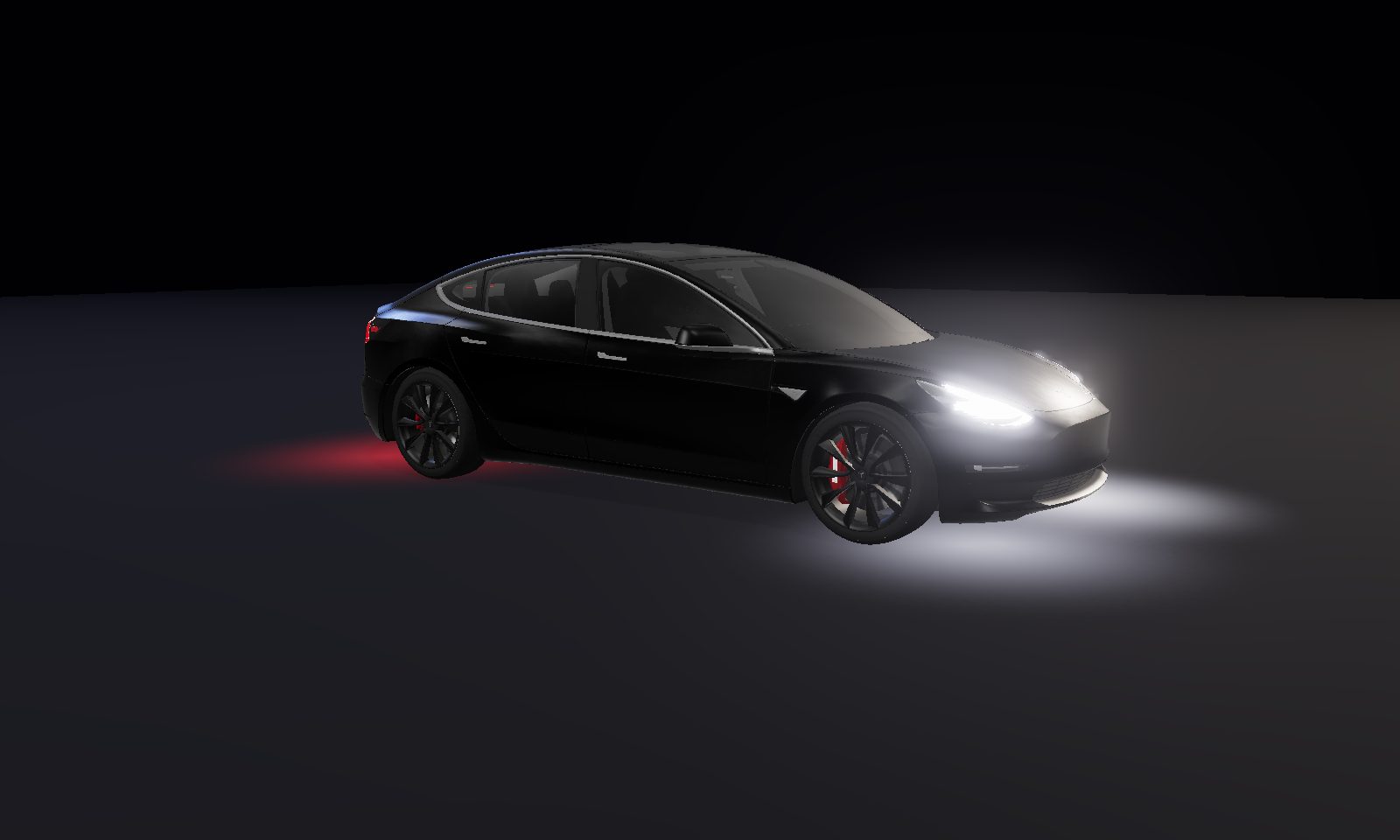
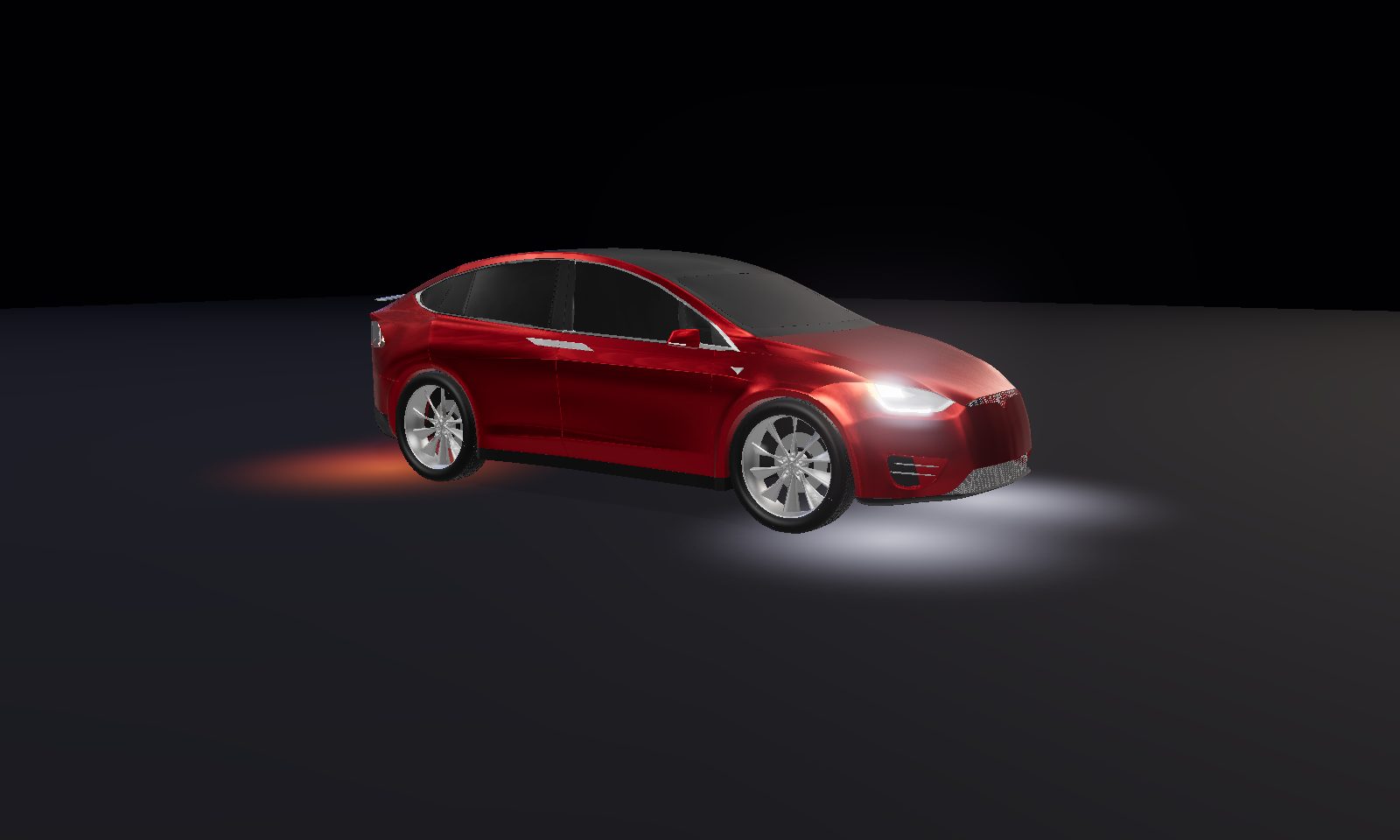
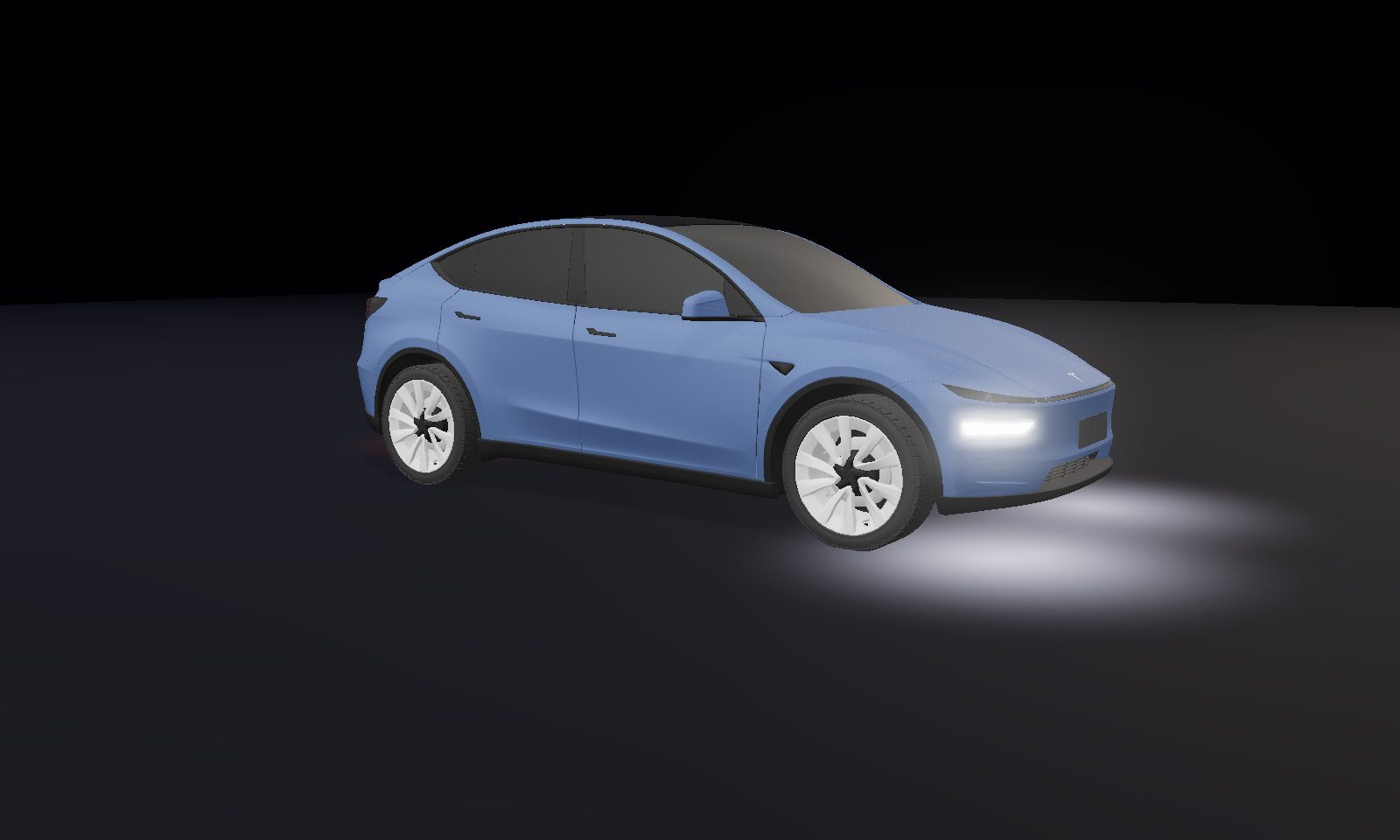
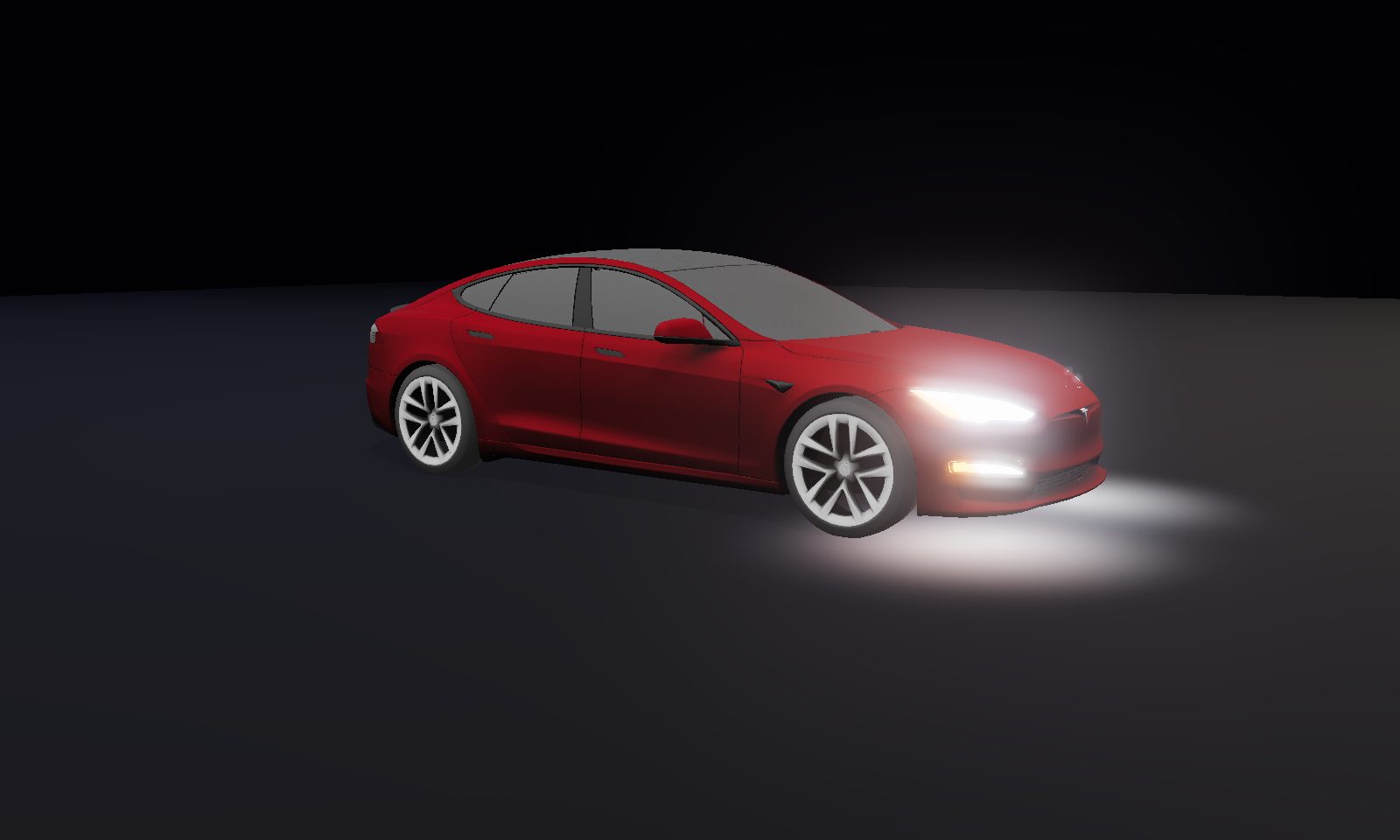
This show downloads for every Tesla: Model 3, Model Y, Model S, Model X, and Cybertruck. Preview it on your model with the View-on picker above, add it to your library, and it re-tailors to your car's lights automatically.
How to play it on your car
- Open the show above and add it to your library (remix it in the builder first if you want).
- Add your own copy of the song: an MP3/WAV you own. We distribute only the light pattern, never audio.
- Export the
.fseqbuilt for your model, then place your song next to it (or let the one-click USB writer do both). - Put both files in a
LightShowfolder on a USB drive. Or skip the manual steps: in Chrome/Edge, click 🔌 Write it to my USB drive for me right after exporting and we do it all, verified byte-for-byte. Then plug in and start it from Toybox → Light Show. Full walkthrough in the setup guide.
Car says Light Show instead of Custom Light Show, or the drive is not detected at all? That is the USB format, the folder name, or filenames that do not match. If it plays but drifts out of time, that is the audio sample rate. Fix both here.