Halloween Theme (Main Title) · Tesla Light Show
by John Carpenter, Cody Carpenter & Daniel Davies
That piano line in 5/4 is pure dread, and the show respects it: a tight, ticking pulse that never resolves, with cold flickers creeping in as the synths thicken. When the 2018 rerecording brings the low end in, the whole car darkens and stabs. It is led by the side markers and rear signals with almost nothing at the front, which is why it feels like something approaching from the wrong direction. Over a quarter of the values fade rather than switch. Three minutes exactly, and the only show here that is genuinely better with nobody talking.
How this one is choreographed
This is one of the fastest shows in the library: the lights re-fire about 1.2 times a second and rarely sit still. The peak is in the middle third, where roughly 40% of the car is lit against 36% at the top, then it eases back for the finish. If you are filming, the fullest ten seconds start at 0:46, when about 43% of the car is lit at once. Most of the work falls on the side markers, re-firing about 1.9 times a second, with the rear turn signals answering back at 1.8. About 65% of the re-firing happens at the rear, so the better view is from behind the car. The quietest part of the car is the inner main beams, at about 0.3 re-fires a second. It runs 3:02 and averages 81 of 255 across the light channels, a bright show that stays close to full through its busiest passages. About 26% of the light values are partial, toward the top of the range for this catalog, so the show leans on swells and dimming as much as on hits. The longest full blackout lasts 2.1 seconds, just before the close, and that pause is what makes the next hit land.
Measured from the exported light sequence for this show, not estimated from the song.
Get it for your Tesla
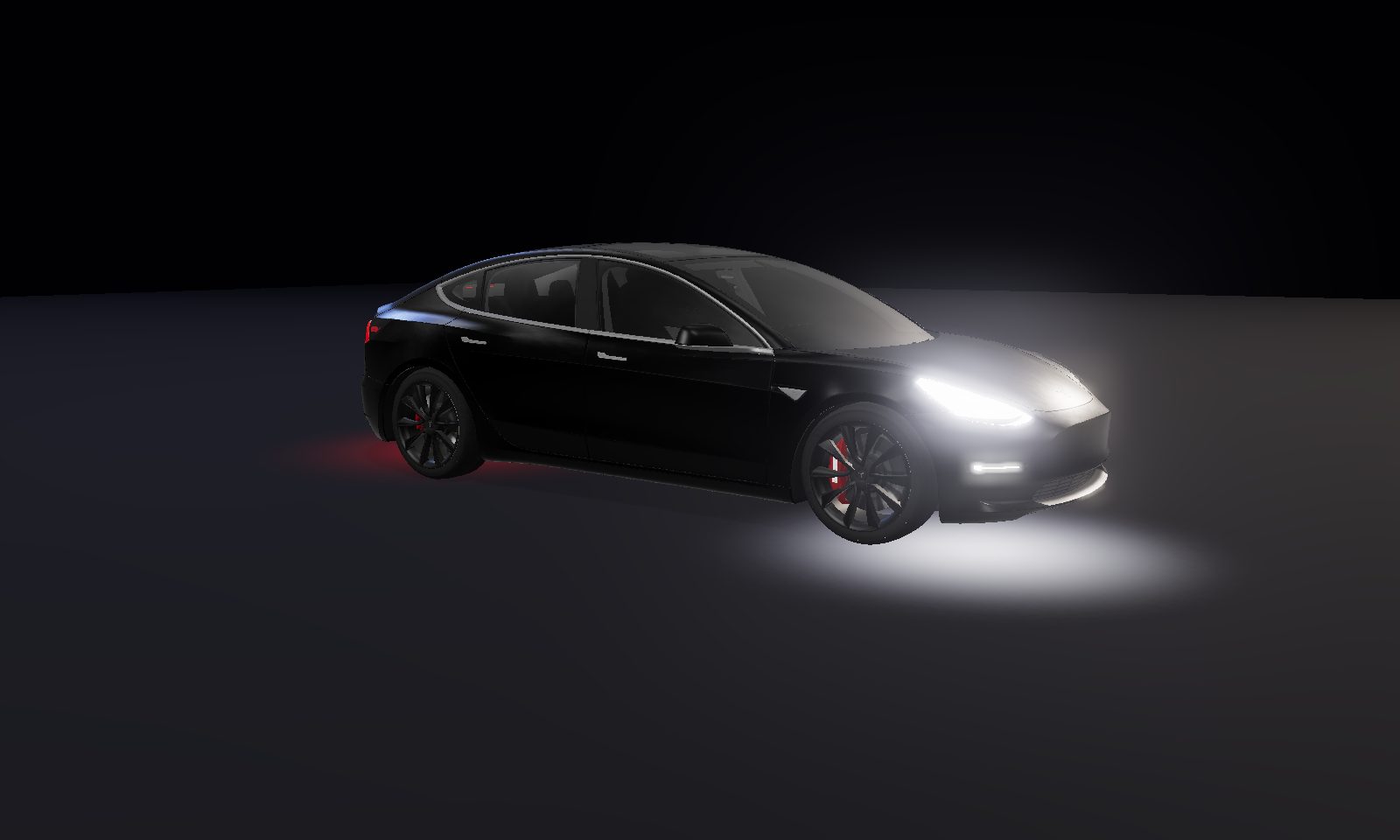
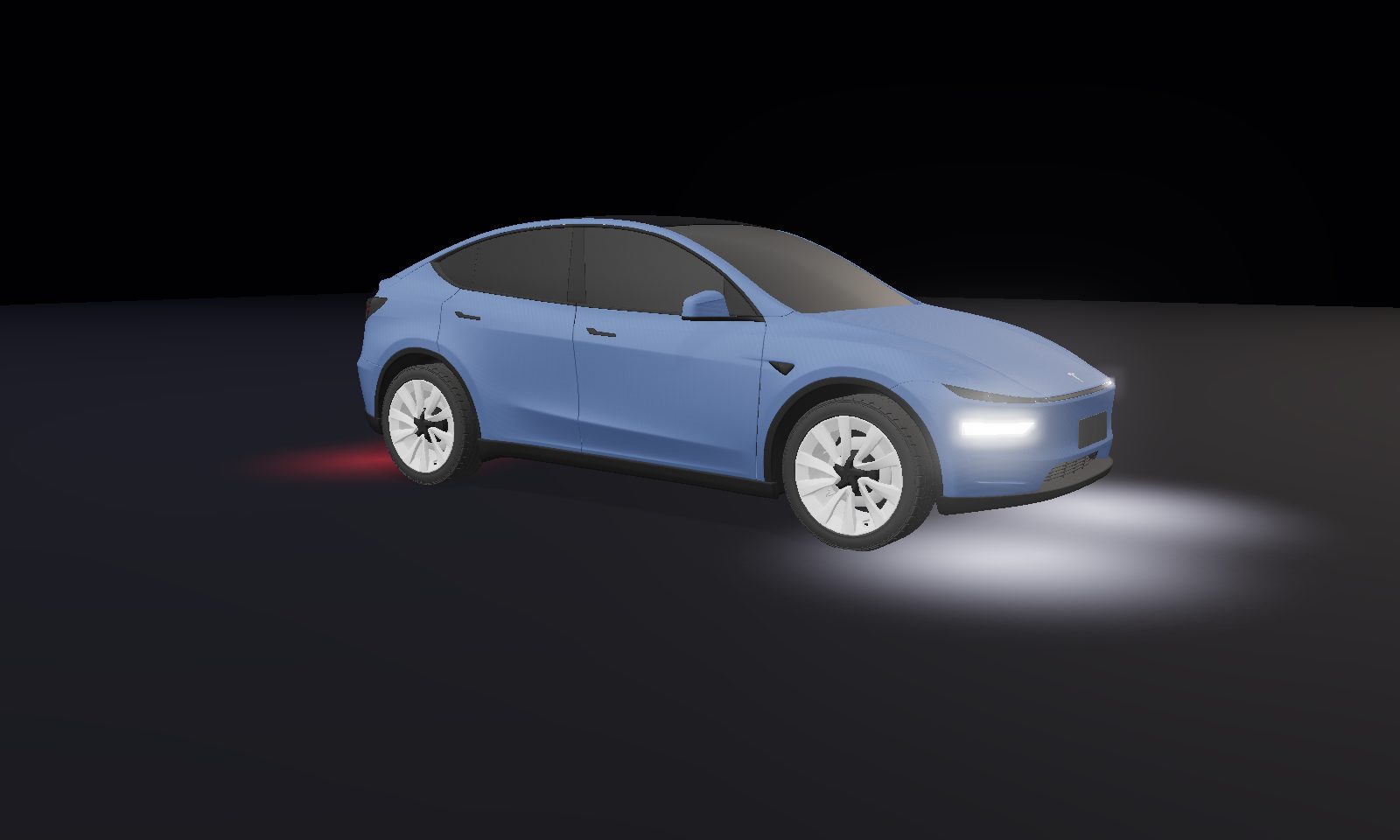
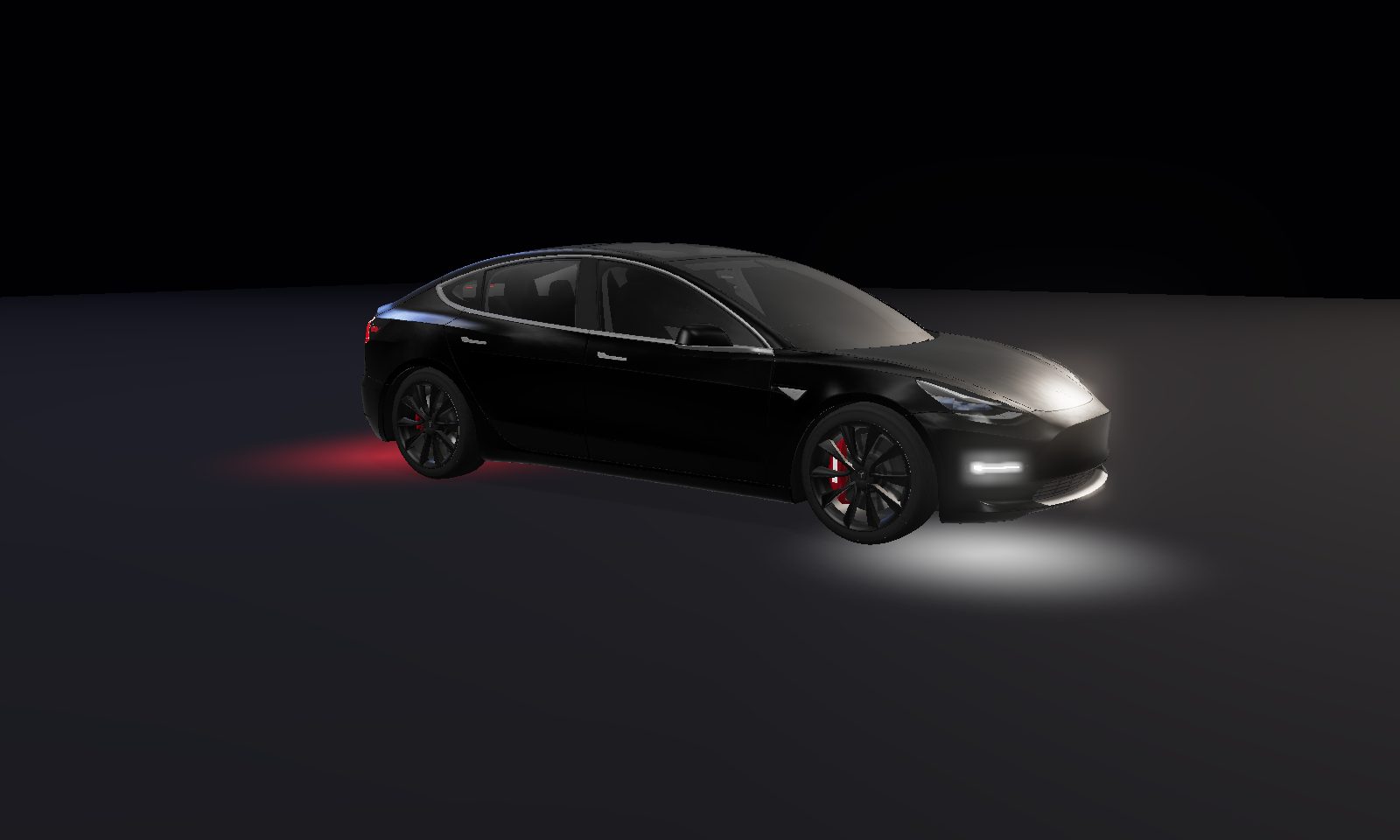
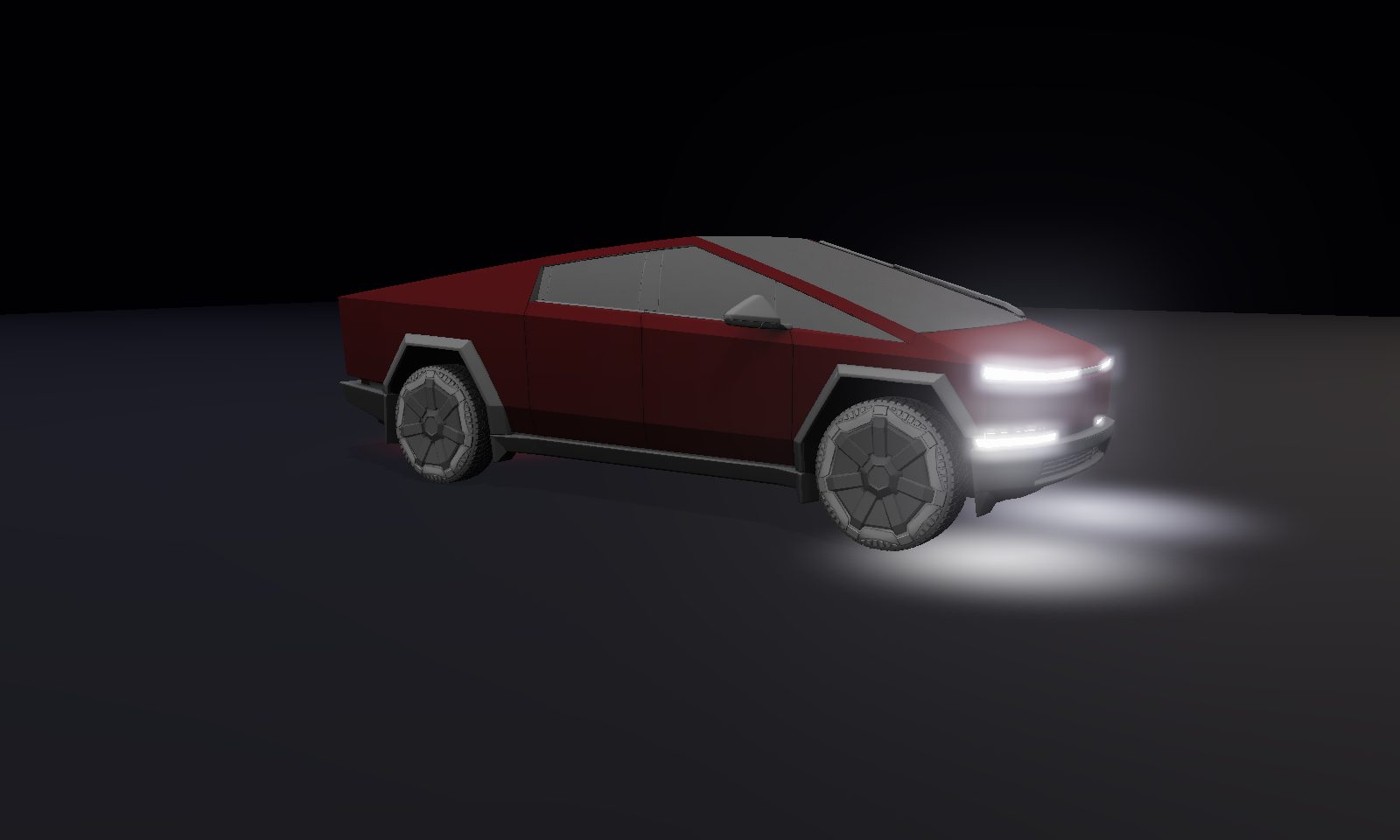
This show downloads for every Tesla: Model 3, Model Y, Model S, Model X, and Cybertruck. Preview it on your model with the View-on picker above, add it to your library, and it re-tailors to your car's lights automatically.
How to play it on your car
- Open the show above and add it to your library (remix it in the builder first if you want).
- Add your own copy of the song: an MP3/WAV you own. We distribute only the light pattern, never audio.
- Export the
.fseqbuilt for your model, then place your song next to it (or let the one-click USB writer do both). - Put both files in a
LightShowfolder on a USB drive. Or skip the manual steps: in Chrome/Edge, click 🔌 Write it to my USB drive for me right after exporting and we do it all, verified byte-for-byte. Then plug in and start it from Toybox → Light Show. Full walkthrough in the setup guide.
Car says Light Show instead of Custom Light Show, or the drive is not detected at all? That is the USB format, the folder name, or filenames that do not match. If it plays but drifts out of time, that is the audio sample rate. Fix both here.
Running this on Halloween night? The Halloween guide covers timing it for trick-or-treaters, keeping the battery happy over a long evening, and what to do about the neighbours. Read the Halloween guide.